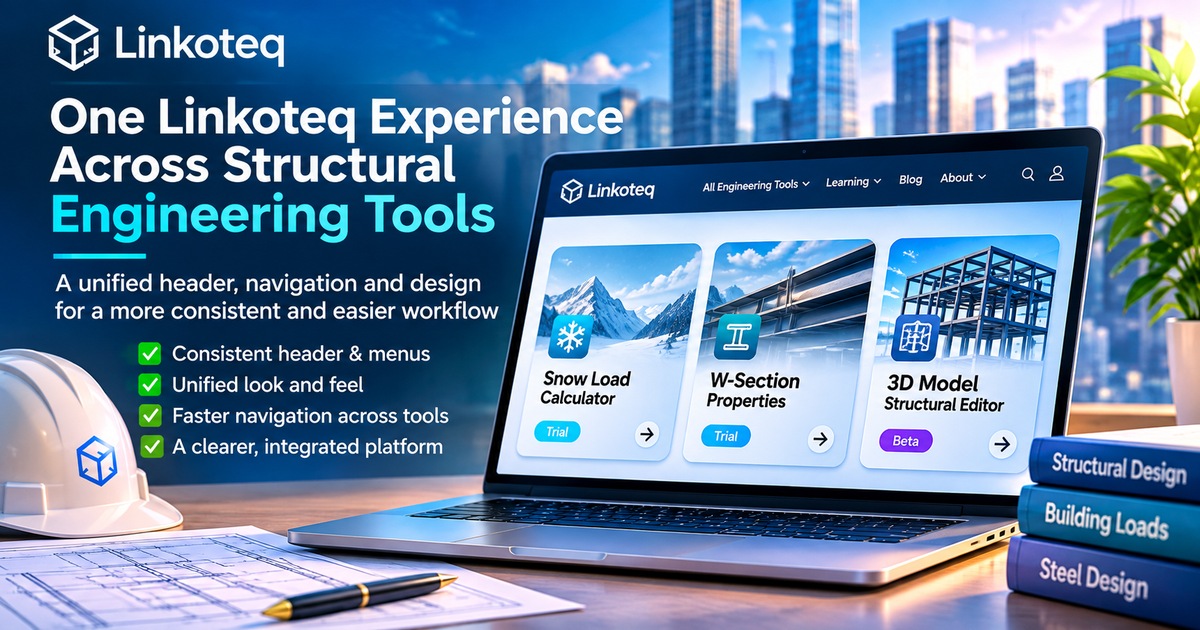
One Linkoteq Experience Across Structural Engineering Tools: What the Shared Header Update Changes
Linkoteq's November 16 website changes introduce a shared navigation shell and design tokens across its public pages and structural tool workspaces. Here is what the GitHub changes establish—and what still needs testing.
A More Consistent Experience Across Linkoteq Engineering Tools
Engineering work often involves moving between specialized tools, technical references, and project resources. Whether you are reviewing snow loads, exploring steel section properties, or working with a structural model, finding your way around a platform should feel straightforward.
At Linkoteq, we are working toward a more consistent experience across our engineering tools and learning resources. Familiar navigation, coordinated visual elements, and clearer pathways between sections are intended to help users focus on their work.
A Familiar Look Across Tools
A shared visual approach brings together menus, typography, colors, and page layouts. While each engineering tool serves a different purpose, a recognizable interface can make it easier to move between them.
The goal is not to make every tool identical. Instead, it is to maintain a consistent platform experience while preserving the controls and workflows each tool needs.
Easier Access to Engineering Resources
Engineers may move from a calculator to a technical guide, then return to another tool or their account. Clear navigation helps connect these activities without requiring users to learn a completely different interface each time.
Linkoteq brings together several areas of interest:
- Snow Load Calculator: A focused workflow for exploring snow-load calculations.
- W-Section Properties: Resources for reviewing steel W-section information.
- 3D Structural Model: A developing modeling environment offered as a Beta experience.
- Learning & Resources: Educational guides and reference materials that support further exploration.
Availability and access conditions vary by tool. A consistent appearance does not mean that every tool has the same readiness or validation status.
Designed With Practical Workflows in Mind
A more cohesive interface is one part of improving an engineering platform. Useful workflows also depend on clear instructions, understandable inputs, accessible resources, and transparent limitations.
Visual updates should not be confused with changes to engineering calculations or proof of compliance with a design standard. Engineers remain responsible for checking assumptions, applicable codes, input data, and results before applying them to real projects.
Explore Linkoteq
Browse Linkoteq's Engineering Tools or visit Learning & Resources to discover guides and supporting material.
We will continue refining how these experiences connect, with an emphasis on clarity, consistency, and responsible engineering use.