From Reference to Review: Linkoteq Adds Structural Calculation Workbooks to Learning
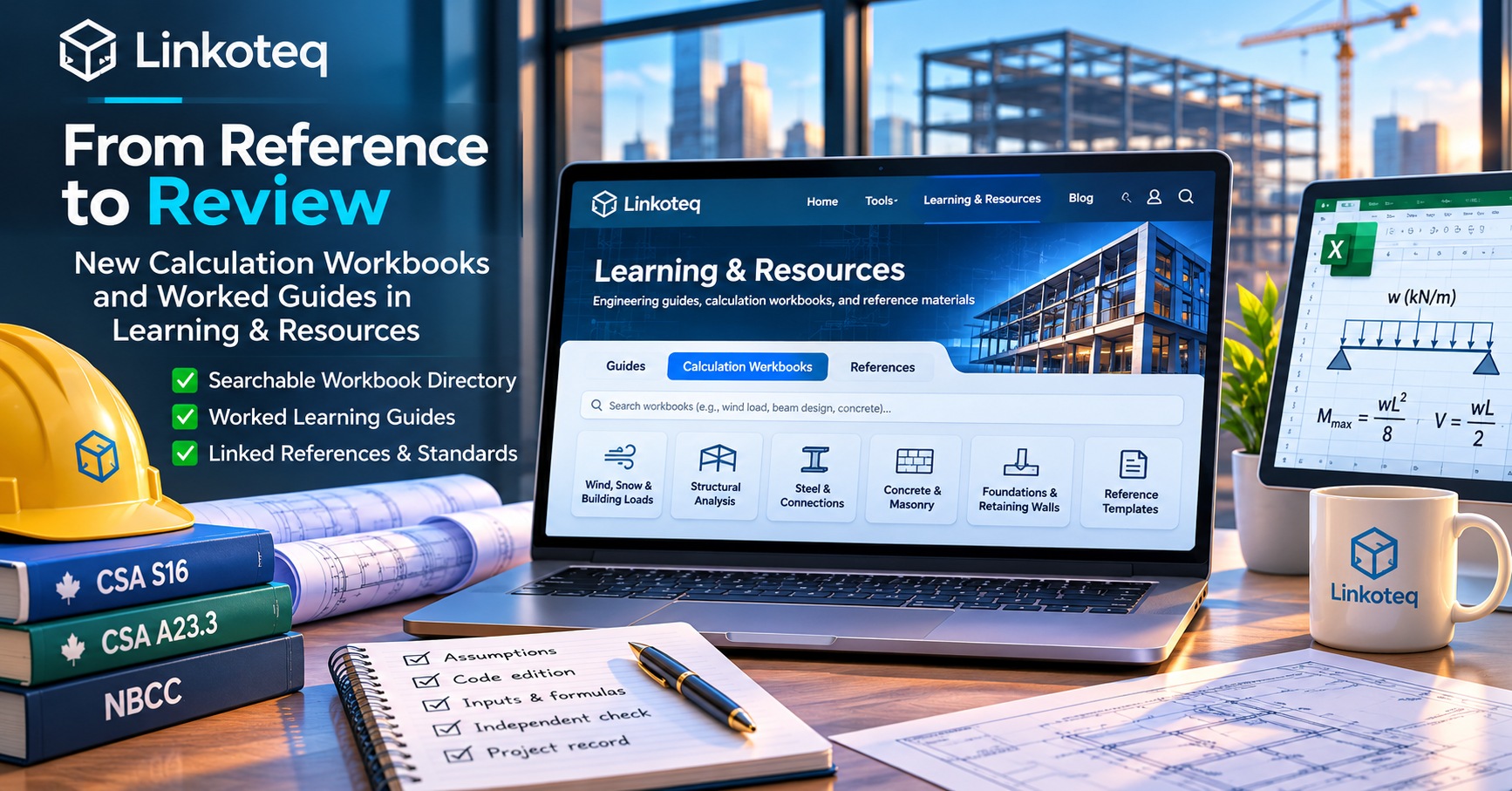
Linkoteq’s Learning & Resources now connects searchable structural calculation workbook summaries with worked guides, previews, and controlled download access. Here is what the code establishes—and what engineers still need to verify.
Engineering knowledge is often spread across old spreadsheets, notes, example calculations and project folders. Finding a relevant reference is only the beginning: a responsible engineer must understand the assumptions, check the applicable standard and determine whether the material is suitable for the current project. Linkoteq’s latest Learning & Resources changes aim to make that discovery and review process easier to navigate.
What changed in November 2026?
On November 15–16, Linkoteq merged a series of website changes introducing additional worked learning guides, a searchable Calculation Workbooks area and links between relevant guides and spreadsheet descriptions. The November 16 implementation adds a dedicated Calculation Workbooks directory, individual workbook detail pages and category/search filters. The repository documentation describes a catalogue covering 139 uploaded spreadsheet entries, including archived variants and duplicates; that count is not a claim of 139 unique, verified design tools.
The catalogue groups material under wind, snow and building loads; structural analysis; steel and connections; concrete and masonry; foundations and retaining walls; and reference templates. Individual entries may identify worksheet inputs and outputs when they can be read, and clearly flag encrypted or insufficiently documented source files.
From a topic to a reviewable workflow
A reader can begin at Learning & Resources, search for a subject, open a worked guide and follow its related workbook links. For example, someone reviewing a wind-load calculation can look for wind pressure or gust-effect terms, then compare the workbook description with the guide’s assumptions and references. The objective is to reduce time spent locating context—not to automate the engineering judgment needed to select loads, interpret standards or approve a design.
One November 15 change added 47 worked guides to the existing catalogue. These guides use hypothetical example inputs and link to external references where available. They are educational explanations, not validated calculations for an actual structure. In particular, a sample load distribution or member check should never be transferred to a project without checking geometry, loading, material properties, code edition and the governing limit states.
Previews and access: what is available?
The new workbook pages distinguish between a read-only worksheet excerpt and an illustrated outline or topic overview. That distinction matters: a conceptual illustration must not be mistaken for a screenshot of the original workbook. The implementation also includes an authenticated download route and a trial-entitlement check for workbook assets.
Importantly, the code does not establish that every workbook file is currently downloadable. Repository documentation says original files must be approved for redistribution and mapped to private server-side assets before delivery. Some entries are historical, incomplete, unreadable or encrypted. Availability and access should therefore be checked on each individual workbook page rather than assumed from its presence in the catalogue.
How to evaluate an inherited calculation workbook
- Identify provenance. Record the original author, source, version and whether the file is a historical example.
- Check the design basis. Confirm the jurisdiction, standard edition, load combinations and units.
- Review inputs and formulas. Inspect cell protection, hidden sheets, external links, macros and assumptions before relying on results.
- Independently verify. Reproduce critical checks using an appropriate independent method and document discrepancies.
- Control reuse. Keep an approved, traceable copy with a project-specific review record.
These are general review practices, not evidence that Linkoteq has audited or certified every spreadsheet in its catalogue.
Why this matters for Linkoteq
Linkoteq is developing an online environment that connects engineering references, specialized tools and early-stage structural workflows. Better discovery of legacy material can support more informed conversations during concept design and proposal development. It does not establish quantified time savings, material optimization or equivalence to commercial analysis software.
Structural engineers remain responsible for selecting appropriate methods and verifying design outputs. Architects and project managers can use explanatory material to understand questions to raise with their engineering teams, not as a substitute for professional design.
Explore the resources
Start with the Calculation Workbooks directory or browse Learning & Resources. Check each entry’s stated limitations and availability. For Linkoteq’s separate engineering tools, see the tools overview; access to trial and beta tools is governed independently.
Development evidence
The descriptions above are based on repository changes, not an independent production acceptance test: Calculation Workbooks implementation (Nov 16), 47 worked guides (Nov 15), and workbook catalogue and access documentation. Confirm current live behavior before promising availability to customers.